Introduction
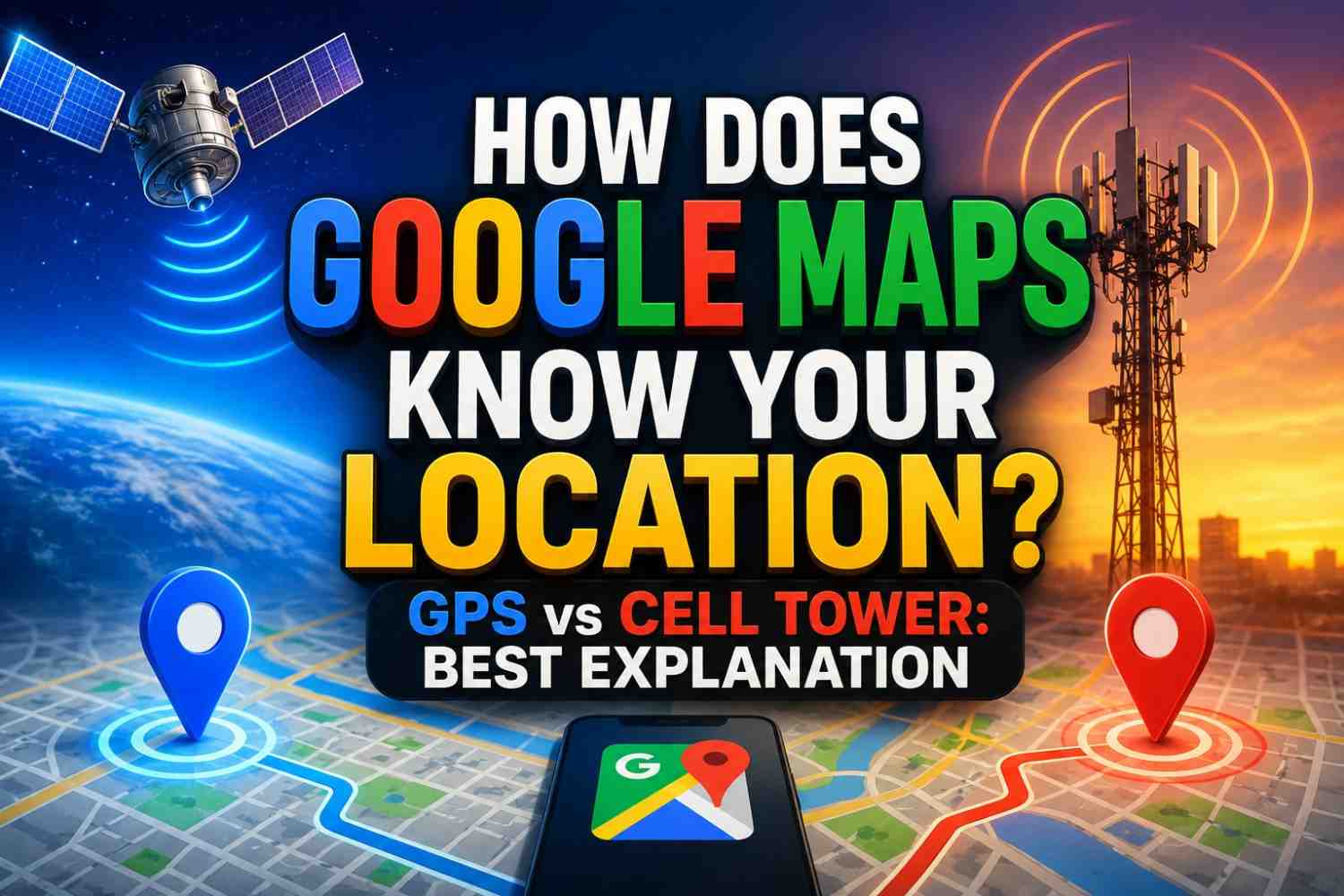
You open Google Maps in a building, underground, or even in a moving car — and within seconds, a blue dot appears, showing exactly where you are. How does Google Maps know your location so quickly and so consistently, even in places where GPS struggles?
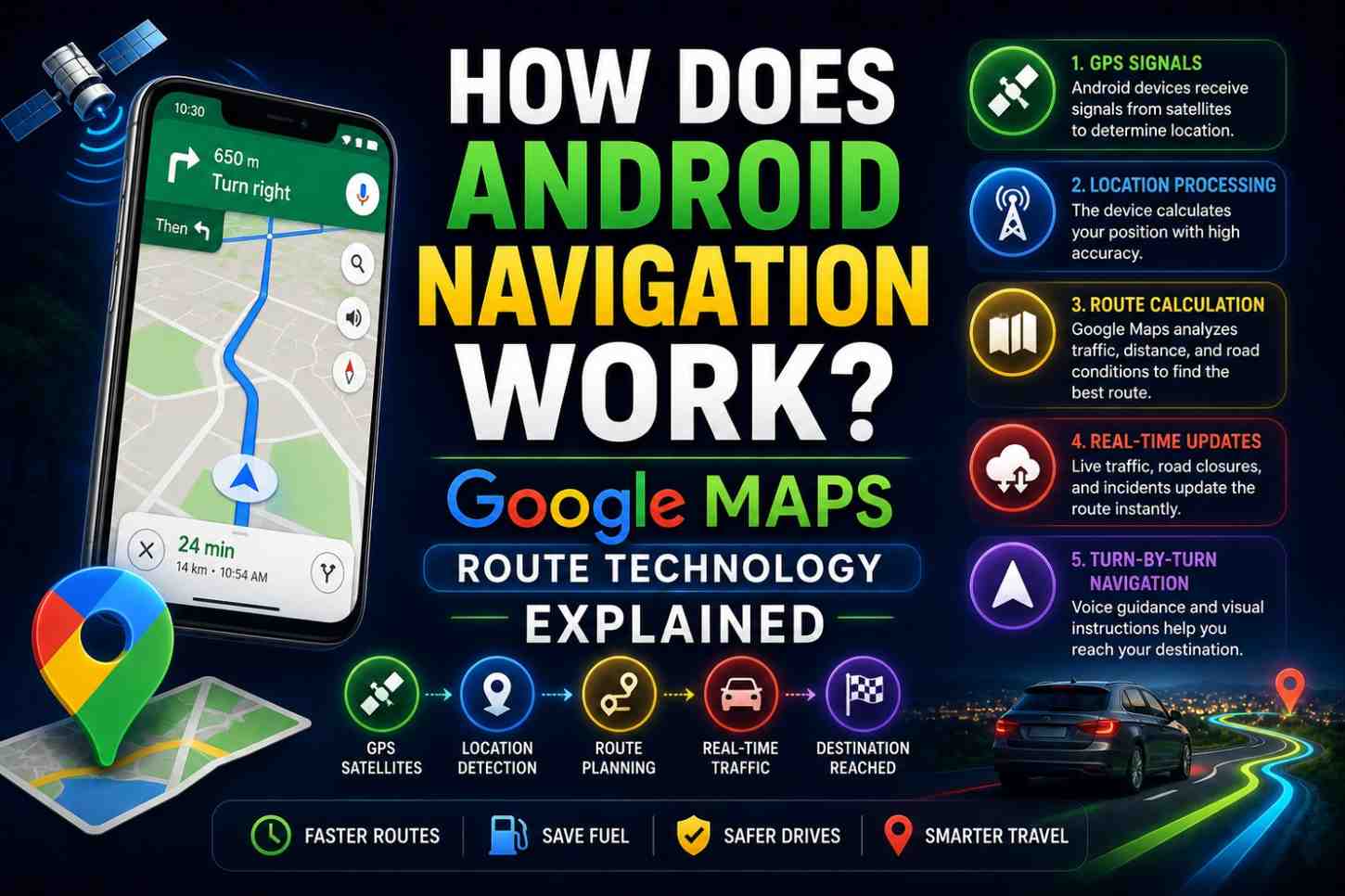
The answer is that Google Maps does not rely on a single technology. It uses a sophisticated, layered system that blends GPS satellites, Wi-Fi networks, cell towers, Bluetooth beacons, barometric pressure sensors, accelerometers, and even your phone’s gyroscope — all simultaneously. In this complete guide, we break down every technology layer that feeds Google Maps your location.
The Blue Dot: What It Really Represents
The blue dot on Google Maps is your estimated location — not always your exact position. The translucent blue circle around it represents the accuracy radius — the area within which Google Maps is confident you are actually located.
A tight, small circle means high accuracy (typically GPS-based). A large, vague circle means the system is relying on less precise signals like cell towers. Understanding this distinction helps you interpret your map experience more accurately.
Also Read :How Does GPS Work on Phones? 7 Surprising Facts That Will Surprise You
How Does Google Maps Know Your Location? All 6 Technologies Explained
Technology 1: GPS (Global Positioning System)
GPS is the gold standard for outdoor location accuracy. When your phone has a clear sky view, Google Maps uses GPS to determine your position to within 3–5 meters (or 1–2 meters on dual-frequency phones).
How it works:
- Your phone’s GPS chip receives signals from multiple satellites
- It calculates distances to each satellite using signal travel time
- It solves for your position where those distances intersect
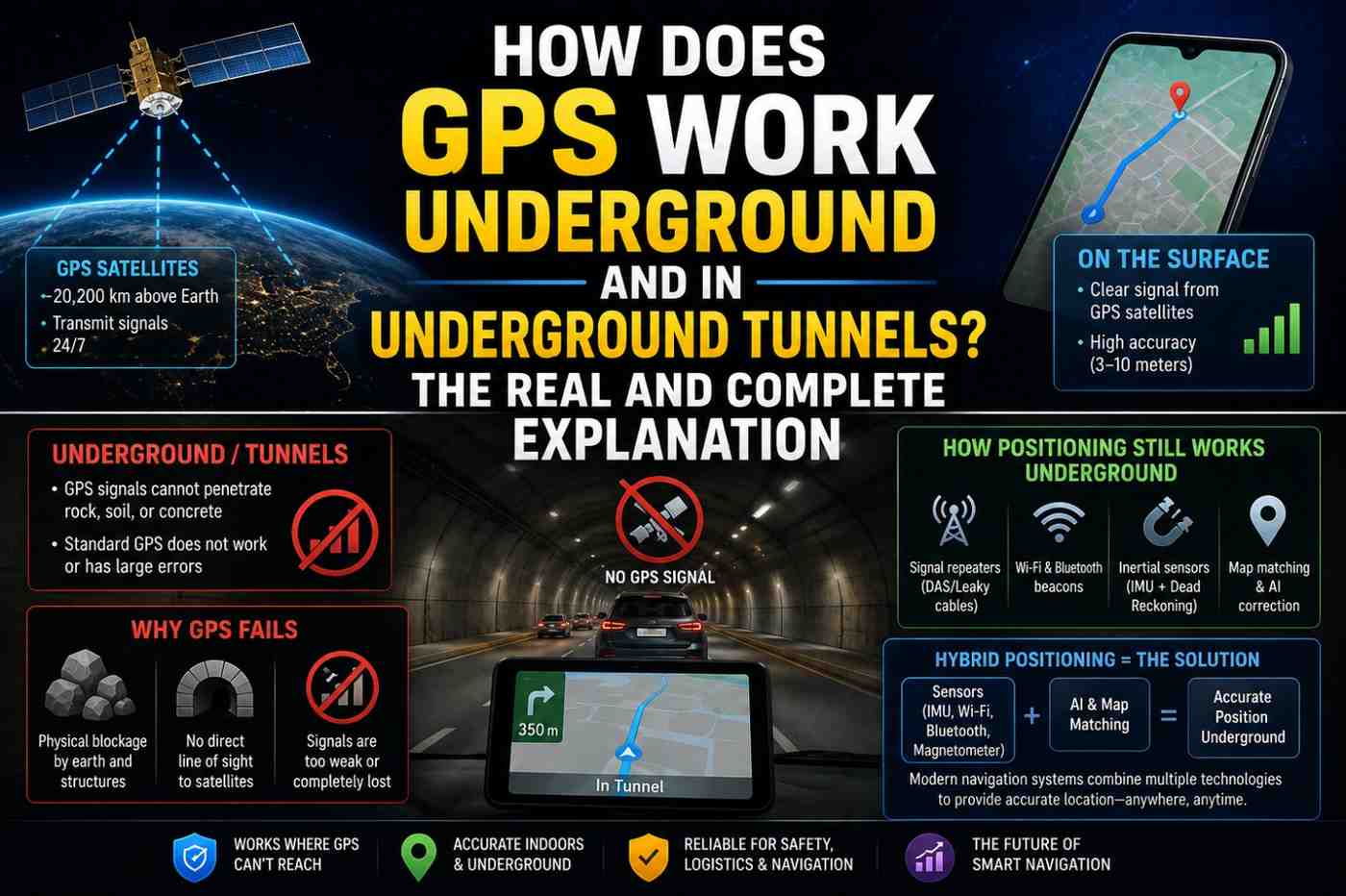
GPS is ideal for outdoor navigation but struggles in buildings, tunnels, and urban canyons where satellite signals are blocked or reflected.
Technology 2: A-GPS (Assisted GPS)
A-GPS speeds up the GPS process dramatically. Instead of waiting for your phone to download satellite almanac data directly from GPS satellites (which takes several minutes), A-GPS downloads this data from Google’s servers via your mobile data connection.
This reduces cold start time from several minutes to under 5 seconds — which is why Google Maps seems to find your location almost instantly when you first open it outdoors.
Technology 3: Wi-Fi Positioning System (WPS)
When GPS is weak or unavailable — indoors, in dense urban areas, or in basements — Google Maps switches to Wi-Fi positioning.
Google has built a massive database of Wi-Fi network locations. Every Android device with Wi-Fi enabled passively collects the names (SSIDs) and signal strengths of nearby Wi-Fi networks and reports them (with consent) to Google’s location servers.
When your phone scans for Wi-Fi networks, Google Maps compares what it sees to this database to estimate your location — even if you are not connected to any Wi-Fi network. Simply detecting nearby networks is enough.
Wi-Fi positioning typically achieves 15–40 meter accuracy — far less precise than GPS but far better than cell towers in dense areas.
Also Read :How Does GPS Work on Phones? 7 Surprising Facts That Will Surprise You
Technology 4: Cell Tower Triangulation
When neither GPS nor Wi-Fi is available, Google Maps falls back to cell tower positioning. Your phone is always connected to (or aware of) nearby cell towers. Each tower has a known location.
By measuring the signal strength from multiple towers and applying timing measurements, Google Maps can estimate your location to within 100–300 meters in urban areas (where towers are dense) or 1–5 kilometers in rural areas (where towers are sparse).
Cell tower positioning is the reason your phone shows an approximate location even with GPS disabled.
Technology 5: Bluetooth Beacon Positioning
In sophisticated indoor environments — shopping malls, airports, large museums, hospitals — Bluetooth Low Energy (BLE) beacons provide indoor positioning.
These small devices broadcast a unique identifier at known positions throughout a building. Your phone detects nearby beacons, and Google Maps triangulates your indoor position from beacon signal strengths.
Indoor positioning via Bluetooth can achieve 1–3 meter accuracy — comparable to outdoor GPS — but requires beacon infrastructure to be deployed.
Technology 6: Sensor Fusion (Dead Reckoning)
Even when all external signals are lost — inside a tunnel, in an elevator, in a parking garage — Google Maps continues tracking your position using your phone’s onboard sensors:
- Accelerometer — measures movement and speed
- Gyroscope — measures rotation and direction changes
- Barometer — measures altitude changes (going up or down in a building)
- Magnetometer (compass) — determines heading direction
This technique is called dead reckoning — estimating current position based on last known position plus movement data. It is not indefinitely accurate (errors accumulate over time) but bridges GPS gaps effectively for short periods.
Also Read:How Does AI Language Translation Work? The Complete Guide to Google Translate Explained 2026
How Google Maps Decides Which Technology to Use
Google Maps does not make a binary choice between these technologies. It uses all available signals simultaneously and applies a mathematical weighting system — giving more weight to more accurate signals. This is called sensor fusion.
The decision hierarchy in most situations:
- GPS available and strong → GPS dominates (3–5m accuracy)
- GPS weak, Wi-Fi available → Wi-Fi positioning supplements GPS
- GPS unavailable, multiple Wi-Fi networks visible → Wi-Fi positioning primary (15–40m)
- Wi-Fi disabled, cell signal available → Cell tower triangulation (100m–3km)
- All signals lost → Dead reckoning from sensors (accuracy degrades over time)
The Role of Google’s Location Database
A crucial but invisible component of Google Maps location is Google’s proprietary location database — one of the largest geospatial databases ever assembled.
This database contains the mapped positions of:
- Billions of Wi-Fi access points worldwide
- Hundreds of thousands of cell tower locations
- GPS ground truth data collected by Google Street View cars
- Indoor mapping data from partner venues
- Bluetooth beacon positions in supported venues
This database is continuously updated by billions of Android devices worldwide that share anonymized location data (when users have opted in). The more devices that contribute, the more accurate the database becomes.
Google Maps Location vs. Apple Maps Location
Both apps use similar underlying technologies but differ in their data sources and accuracy in specific regions:
| Feature | Google Maps | Apple Maps |
|---|---|---|
| GPS integration | Yes | Yes |
| Wi-Fi positioning database | Largest globally | Large, Apple-sourced |
| Indoor maps coverage | Extensive | Growing |
| Dead reckoning | Yes | Yes |
| Real-time traffic integration | Excellent | Very good |
| Privacy approach | Opt-in data sharing | More privacy-restrictive |
FAQs: How Does Google Maps Know Your Location
Q1: How does Google Maps know your location without GPS? It uses Wi-Fi positioning (matching nearby networks to a database of known locations), cell tower triangulation, and sensor-based dead reckoning when GPS is unavailable.
Q2: Can Google Maps track my location without my permission? No. Google Maps requires explicit location permission from your phone’s operating system. You can revoke this permission at any time in your phone’s settings.
Q3: Why is my Google Maps location sometimes wrong? Inaccuracies typically occur when GPS is blocked (indoors, tunnels), when the phone is relying on cell tower positioning, or when there is GPS multipath interference from surrounding buildings.
Q4: Does Google Maps use Wi-Fi even if I’m not connected to Wi-Fi? Yes. Google Maps can detect nearby Wi-Fi networks (without connecting to them) and use their presence to improve location accuracy through Wi-Fi positioning.
Q5: How does Google Maps track location while driving through a tunnel? It uses dead reckoning — tracking your speed and direction using the phone’s accelerometer, gyroscope, and the vehicle’s last known trajectory to estimate your position through the tunnel.
Q6: Does Google Maps work without internet? For basic GPS positioning, yes. For real-time navigation with maps, you need either an internet connection or pre-downloaded offline maps.
Conclusion
Now you know exactly how does Google Maps know your location — not through one technology, but through an elegant, adaptive fusion of six different positioning systems working together in real time. The blue dot on your screen is the output of one of the most sophisticated real-time sensing systems ever deployed on a consumer device. To protect your location privacy while still using Maps effectively, review your location permissions and history at Google’s My Activity — and explore Maps’ offline capabilities at Google Maps Help.