Introduction
If you have ever watched your phone find your location in under three seconds while someone else’s takes several minutes, the GPS vs A-GPS difference is likely the reason. Almost every modern smartphone uses A-GPS — but most users have no idea what it is or why it matters so profoundly for navigation speed.
The difference between GPS and A-GPS is not about accuracy — it is about time to first fix (TTFF). Understanding this distinction helps you use your phone’s navigation more effectively, troubleshoot location problems, and make better decisions about offline navigation. This complete guide explains everything.
What Is Standard GPS?
Standard GPS (Global Positioning System) works by receiving radio signals from satellites orbiting Earth at 20,200 kilometers altitude. To calculate your position, your GPS receiver needs:
- The exact time signals were sent (from satellite atomic clocks)
- The satellites’ orbital positions at the time of transmission
- Signals from at least 4 satellites for a 3D position fix
The challenge: when your GPS receiver starts from scratch (a cold start), it must:
- Scan all GPS frequencies to find satellite signals
- Download orbital data (almanac) directly from satellites at 50 bits per second
- This download alone can take 12.5 minutes to complete fully
In practice, cold start GPS can take 1–5 minutes before your position appears on a map. For users waiting to start navigation, this is frustratingly slow.
What Is A GPS and How Does It Solve the Speed Problem?
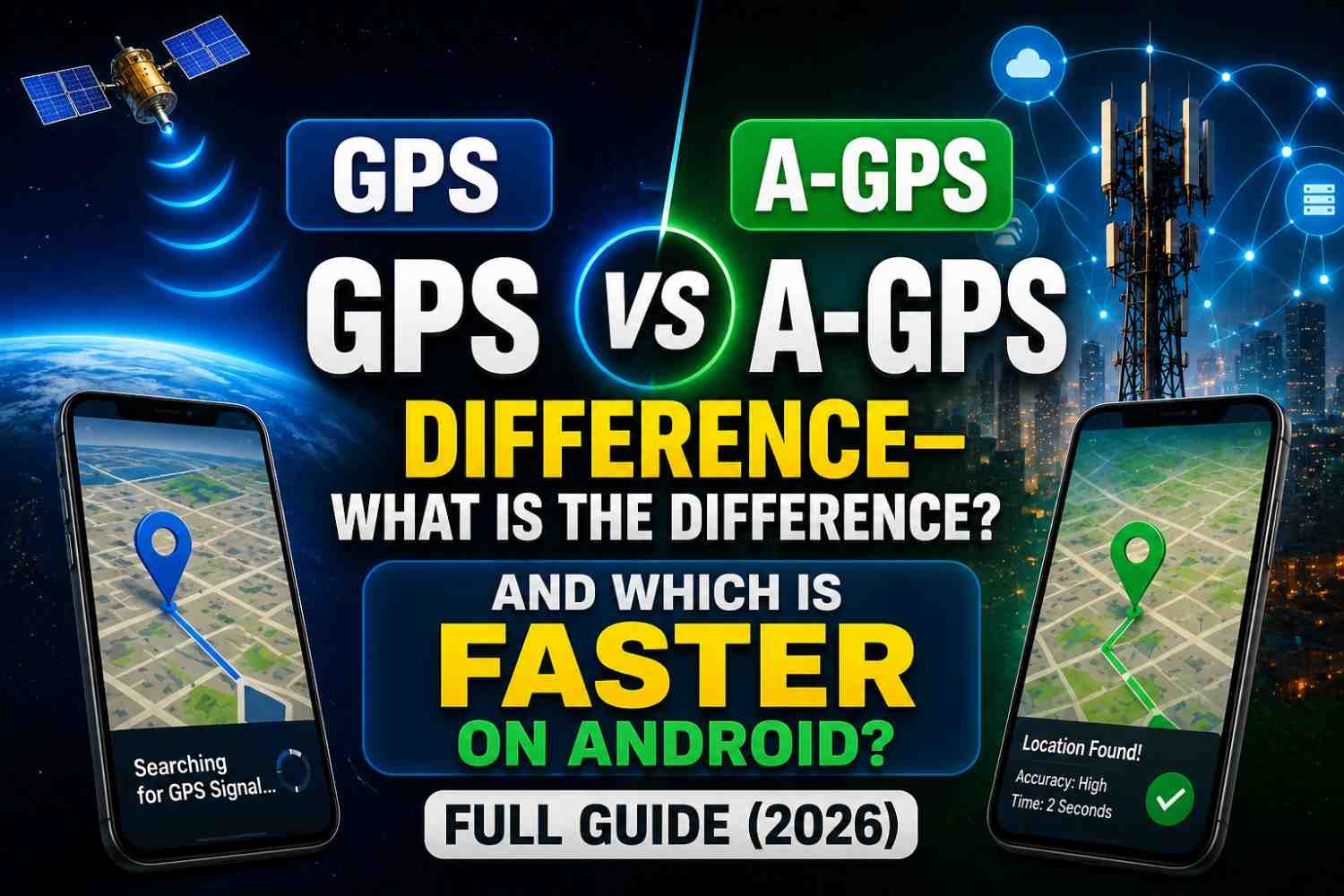
A-GPS (Assisted GPS) uses your phone’s internet connection to download the satellite data that standard GPS has to receive directly from space — turning a multi-minute process into a multi-second one.
Here is the specific data A-GPS downloads from assistance servers:
- Almanac data — approximate positions of all GPS satellites (valid for several months)
- Ephemeris data — precise orbital parameters for satellites currently visible from your location (valid for 2–4 hours)
- Approximate location — from cell towers or Wi-Fi, narrows down which satellites to look for
- UTC time — precise time reference
With this data pre-loaded, your GPS chip knows exactly where to look in the sky for which satellites — dramatically accelerating the acquisition process.
GPS vs A-GPS Difference: Direct Comparison
| Feature | Standard GPS | A-GPS |
|---|---|---|
| Cold Start Time | 1–5 minutes | 1–5 seconds |
| Warm Start Time | 15–30 seconds | 1–3 seconds |
| Hot Start Time | 1–5 seconds | <1 second |
| Internet Required | No | Yes (for assistance data) |
| Satellite Signals Used | Yes | Yes |
| Final Accuracy | 3–5 meters | 3–5 meters (same) |
| Battery Impact | Low | Minimal extra |
| Works Offline | Yes (after initial fix) | No (for speed benefit) |
The critical insight: A GPS does not improve final accuracy. Once both systems have acquired satellite signals, they produce the same position. A-GPS is purely a speed improvement for initial location acquisition.
The Three Types of GPS Start Conditions
Understanding GPS fix times requires knowing the three start conditions:
Cold Start
Your GPS has no stored data about satellite positions or your location. This happens when:
- First time using GPS on a new device
- GPS has not been used for several weeks
- You have moved a very long distance since last use
Standard GPS cold start: 1–5 minutes A GPS cold start: 1–5 seconds
Warm Start
Your GPS has stored almanac data but not fresh ephemeris data. This happens after a few hours of GPS inactivity.
Standard GPS warm start: 15–30 seconds A GPS warm start: 1–3 seconds
Hot Start
Your GPS has fresh ephemeris data from recent use. This is the normal state when you use navigation regularly.
Standard GPS hot start: 1–5 seconds A-GPS hot start: Under 1 second
How A-GPS Works on Android Specifically
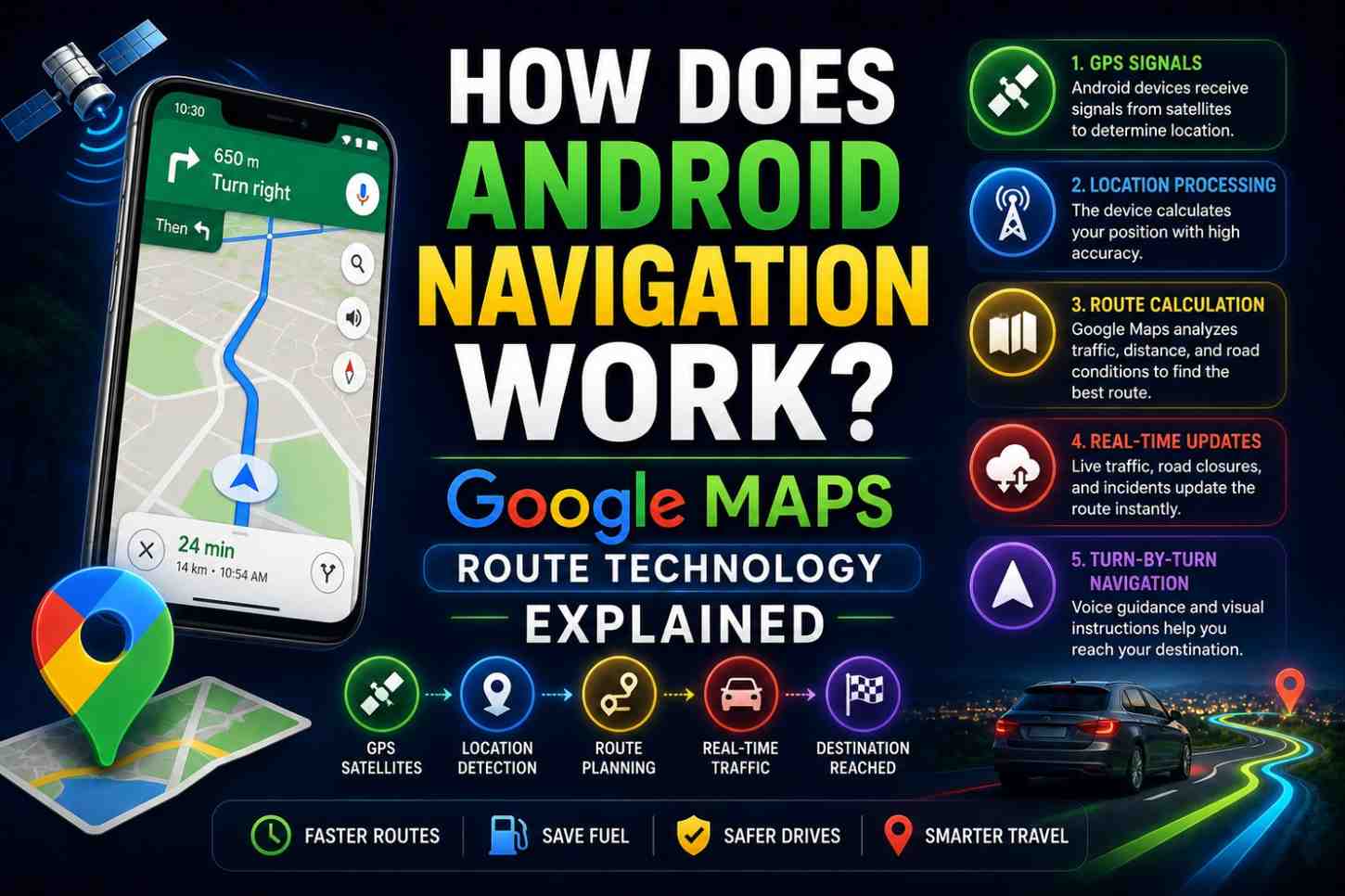
On Android devices, A GPS is managed through the SUPL (Secure User Plane Location) protocol. The default SUPL server is typically provided by Google (supl.google.com) or your mobile carrier.
When your Android phone needs location data:
- The GPS chip signals that it needs assistance data
- The Android Location Manager sends an HTTPS request to the SUPL server
- The server returns almanac data, ephemeris data, and a coarse location estimate
- The GPS chip uses this data to rapidly acquire satellite signals
- Fine position is calculated from the actual GPS satellite signals
This entire process completes in 1–3 seconds on a good mobile data connection — compared to several minutes for unaided satellite acquisition.
A-GPS and Privacy: What Data Is Shared?
A common concern about A GPS is privacy. When your phone contacts the A-GPS server, it shares:
- Your approximate location (from cell towers or Wi-Fi) — needed to know which satellites are above your horizon
- Your device identifier — used for the SUPL session
- Time and date — needed to select current orbital data
It does not send your GPS-calculated position to the A GPS server. However, your carrier and potentially Google receive your coarse location as part of the assistance data request.
If privacy is a concern, you can disable A GPS in developer options on many Android devices — accepting slower cold start times in exchange.
Other Assisted GNSS Technologies
A GPS is one type of assisted positioning. Related technologies include:
- A-GLONASS — same principle applied to Russia’s GLONASS satellite system
- A-Galileo — assistance for the European Galileo constellation
- XTRA/IZat (Qualcomm) — Qualcomm’s proprietary assistance service that pre-downloads orbital data for 7–30 days
- Predictive GPS — downloads predictive models of satellite positions for several days ahead, enabling fast fixes even without real-time internet
Troubleshooting A-GPS Issues on Android
If your Android phone is slow to find your location, A GPS problems are often the culprit:
- Clear A-GPS data — Go to Settings → Apps → Find Google Play Services → Storage → Clear Cache
- Toggle GPS off and on — Forces A GPS data refresh
- Enable mobile data temporarily — A GPS needs internet; Wi-Fi calling does not substitute
- Check date and time accuracy — Incorrect device time prevents proper satellite acquisition
- Update Google Play Services — A GPS assistance functions through this system app
FAQs: GPS vs A-GPS Difference
Q1: What is the main GPS vs A-GPS difference? The primary difference is speed of initial location acquisition. A-GPS downloads satellite data from the internet, reducing cold start time from several minutes to a few seconds. Final positioning accuracy is the same.
Q2: Does A-GPS work without internet? A-GPS requires an internet connection to download assistance data. Without internet, the phone falls back to standard GPS (slower) or previously cached A-GPS data.
Q3: Does A-GPS use a lot of mobile data? No. A-GPS assistance data downloads are tiny — typically a few kilobytes per session. The impact on your data usage is negligible.
Q4: Can I use navigation apps without A-GPS? Yes. Standard GPS works without internet assistance — it just takes longer to find your initial location. Once locked, navigation functions normally.
Q5: Is A-GPS the same as assisted location on Android? A-GPS is one component of Android’s assisted location. The full system also uses Wi-Fi positioning and cell tower triangulation for the initial coarse location estimate.
Q6: Do iPhones use A-GPS? Yes. Apple’s iPhones use A-GPS through Apple’s assistance servers, with the same speed benefits as Android’s implementation.
Conclusion
The GPS vs A-GPS difference comes down to one word: speed. A-GPS transforms a potentially minute-long satellite acquisition process into a near-instant location fix by leveraging your internet connection to pre-deliver satellite data. For everyday navigation, A-GPS is virtually always active on your smartphone without you ever noticing — which is exactly how good technology should work. If you are experiencing slow location fixes on Android, start by clearing your GPS data through Google Play Services settings and ensuring your internet connection is active when you first open your navigation app.