Introduction
“Hey Google, what time does the nearest pharmacy close?” In seconds, Google answers—without you typing a single word. But how does voice search work behind that seamless, almost magical interaction?
Voice search has quietly transformed how people interact with technology. Over 50% of all smartphone users use voice search regularly, and smart speakers like Google Home and Amazon Echo have made voice the primary interface for millions of homes worldwide. In this guide, we break down the complete technology stack powering voice search—and show you exactly how to optimize your website to capture voice search traffic in 2026.
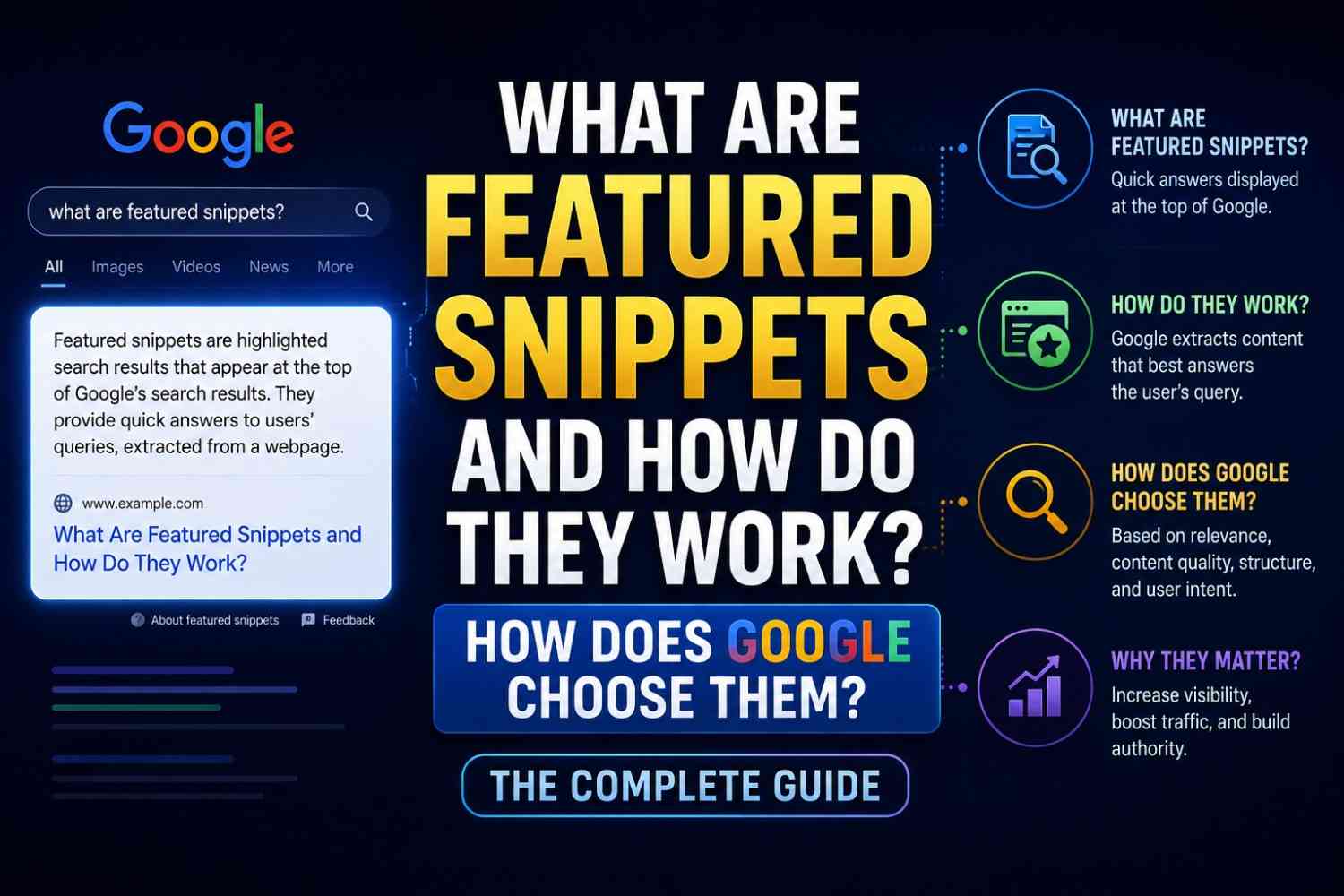
Read also: What Are Featured Snippets and How Do They Work?
What Is Voice Search?
Voice search is the technology that allows users to perform internet searches and interact with devices using spoken natural language rather than typed keywords.
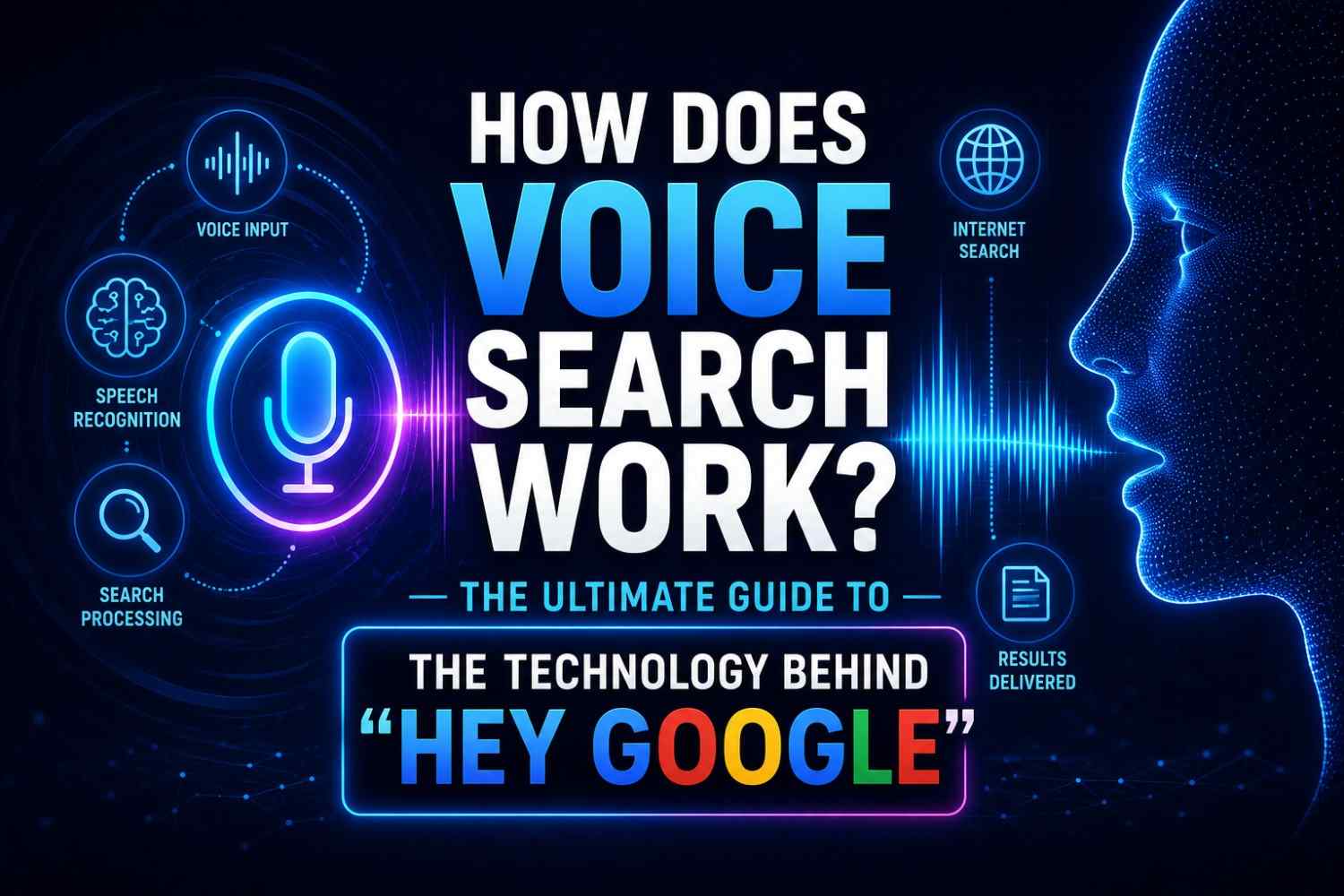
It is powered by a combination of
- Automatic Speech Recognition (ASR)—converting speech to text
- Natural Language Processing (NLP)—understanding the meaning and intent of the spoken query
- Search algorithms—finding the best answer from indexed content
- Text-to-Speech (TTS)—converting the answer back into spoken audio
Each of these components must work flawlessly in sequence—within about one second—for voice search to feel natural.
How Does Voice Search Work? The Full Technical Process
Stage 1: Wake Word Detection
Voice search begins before you speak your actual query. Your device continuously listens for a wake word—”Hey Google,” “Alexa,” or “Hey Siri”—using a tiny, always-on audio model running locally on the device.
This model is deliberately small (to preserve battery and privacy) and only recognizes the specific wake word pattern, not general speech.
Stage 2: Audio Capture and Transmission
After the wake word is detected, the device:
- Activates the full microphone array
- Captures your query as a digital audio file
- Compresses and transmits the audio to cloud servers
For devices like Google Assistant, this audio file is sent to Google’s servers for processing. On-device processing is now available for some queries on newer Pixel phones and Apple devices—faster and more private.
Stage 3: Automatic Speech Recognition (ASR)
On Google’s servers, the audio file is processed by a deep neural network-based ASR system that
- Segments the audio into phonemes (the smallest units of sound)
- Applies acoustic models to map sound patterns to word candidates
- Uses language models to select the most probable word sequence
- Applies speaker adaptation to account for accents and speaking styles
- Produces a text transcript of your spoken query
Modern ASR systems achieve error rates below 5% in clear audio conditions—matching human transcription accuracy.
Stage 4: Natural Language Understanding (NLU)
The text transcript is passed to NLU systems that determine:
- Intent—What does the user want to do? (find information, set a reminder, make a call, play music?)
- Entities — What specific things are mentioned? (locations, times, names, products)
- Context—Is this part of a multi-turn conversation? What was asked before?
- Slot filling—Are any required pieces of information missing?
For example, in “Hey Google, set a reminder for my dentist appointment tomorrow at 3pm”:
- Intent: Set reminder
- Entity: appointment type (dentist), time (3pm), date (tomorrow)
- Action: Create calendar entry
Stage 5: Query Processing and Answer Retrieval
Once the intent is understood, the system retrieves the best answer from:
- Google’s Knowledge Graph—structured facts about entities
- Featured snippets—the primary source for spoken answers
- Google Business Profiles—for local queries
- Structured data from websites—Schema markup enhances eligibility
- Live data APIs—weather, sports scores, stock prices
Stage 6: Answer Delivery
The retrieved answer is:
- Formatted as a spoken response (typically 29 words or fewer for voice)
- Converted to audio using Text-to-Speech (TTS) synthesis
- Played through the device speaker
On smart displays (Google Nest Hub, Amazon Echo Show), the visual answer is also displayed alongside the audio response.
Voice Search vs. Text Search: Key Differences
| Dimension | Text Search | Voice Search |
|---|---|---|
| Query length | Short (2–4 words) | Long (7–10+ words) |
| Query format | Keywords | Natural language questions |
| Intent | Mixed | Primarily informational/local |
| Result format | List of links | Single spoken answer |
| Response time | Sub-second | 1–2 seconds |
| Optimization target | Rankings | Featured snippets + local pack |
These differences have profound implications for SEO strategy.
How Voice Search Results Are Selected
For most informational voice queries, Google reads the featured snippet aloud as the answer. This makes winning featured snippets especially valuable for voice search visibility.
For local queries (“restaurants near me,” “pharmacy open now”), Google reads results from the Local Pack—pulling from Google Business Profile data.
For device-specific actions (timers, calls, music), results come from integrated APIs and apps rather than web search.
Voice Search SEO: How to Optimize Your Website
Understanding how voice search works leads directly to an optimization strategy:
1. Target Conversational, Question-Based Keywords
Voice queries are natural language questions. Optimize for:
- “How do I…” “What is the best…” “Where can I find…”
- Long-tail, conversational phrases
- “Near me” local queries
2. Win Featured Snippets
Since featured snippets are the primary source for voice answers, all featured snippet optimization strategies apply directly to voice search. Write direct 40–60 word answers after question-formatted headings.
3. Optimize Google Business Profile for Local Voice
For local businesses, complete your Google Business Profile with:
- Accurate NAP (Name, Address, Phone)
- Business hours updated in real time
- Category and service descriptions
- Regular posts and review responses
4. Implement Structured Data
Use Schema.org markup for:
- FAQPage—marks up question-answer pairs
- LocalBusiness—provides business information
- SpeakableSpecification—explicitly marks content as suitable for audio reading
5. Optimize for Page Speed
Voice search results come from fast-loading pages. Ensure your site loads in under 2 seconds and passes Core Web Vitals.
6. Write Conversationally
Match your content’s reading level and tone to spoken language. Shorter sentences, active voice, and simple vocabulary perform better for voice answer selection.
The Future of Voice Search: 2026 and Beyond
Voice search continues to evolve rapidly:
- On-device processing—Faster, more private voice queries without cloud dependency
- Multimodal responses—Voice queries triggering visual + audio answers simultaneously
- Conversational continuity—Better multi-turn conversation memory
- LLM-powered responses—Gemini and GPT-powered assistants delivering more nuanced answers
- Ambient computing—Voice interfaces embedded in cars, appliances, glasses, and earbuds
FAQs: How Does Voice Search Work
Q1: How does voice search work technically? It uses wake word detection, automatic speech recognition to transcribe speech to text, natural language processing to understand intent, and search algorithms to retrieve and speak the best answer.
Q2: What percentage of searches are voice searches in 2026? Estimates vary, but over 50% of smartphone users use voice search regularly, with billions of voice queries processed monthly across Google, Alexa, and Siri.
Q3: How does Google Assistant understand different accents? Google’s ASR systems are trained on diverse voice samples across thousands of accents, dialects, and speaking styles, allowing robust performance across global English variants.
Q4: Does SEO for voice search differ from regular SEO? Mostly the same principles apply, but voice SEO emphasizes conversational keywords, featured snippets, local SEO, and structured data more heavily.
Q5: Can voice search understand multiple languages? Yes. Google Assistant supports over 30 languages and can switch between languages within a conversation on supported devices.
Q6: Are voice searches more private than text searches? Voice queries are processed on Google’s servers and may be stored in your Google account unless you opt out via myactivity.google.com.
Conclusion
Now you have a thorough understanding of how voice search works—from the moment you say “Hey Google” to the spoken answer in your ear. Voice search is not a future technology. It is a present reality reshaping how people find information, interact with businesses, and navigate the world. By optimizing for conversational queries, earning featured snippets, and maintaining a complete Google Business Profile, your website can be the voice your customers hear. Start optimizing today at Google Search Console and explore voice search analytics through Google’s Keyword Planner.