Introduction
Your car enters a remote mountain road. Signal bars disappear. But your phone is still showing your exact position on the map, calculating your route, and giving turn-by-turn directions. How does GPS work without internet — and what exactly can your phone navigate when completely offline?
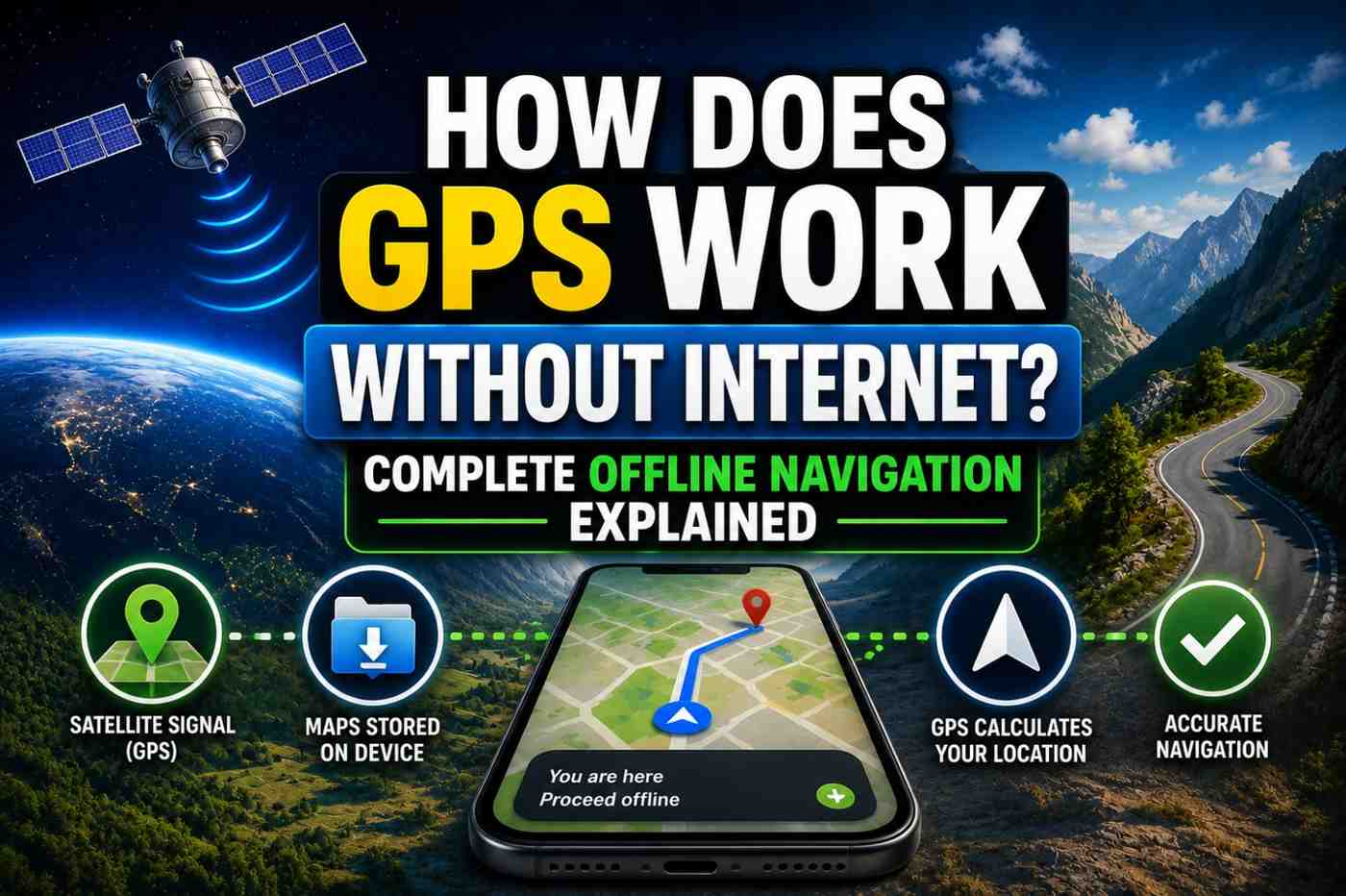
The answer surprises many people: GPS positioning itself has never needed the internet. GPS satellites broadcast their signals for free and without any connectivity requirement. What requires the internet is the map data, real-time traffic, and the A-GPS speed assistance. Knowing this distinction is crucial for anyone planning road trips, hiking, international travel, or any situation where connectivity cannot be guaranteed.
The Fundamental Principle: GPS Signals Are Internet-Free
GPS is a receive-only radio technology. Satellites broadcast continuous radio signals. Your phone’s GPS chip receives those signals. No data plan. No Wi-Fi. No network connection of any kind is needed for the positioning calculation itself.
This means:
- GPS works on airplane mode
- GPS works in zero-coverage areas
- GPS works abroad without roaming data
- GPS works underground if satellite signals can penetrate (they generally cannot)
What you lose without internet in GPS navigation:
- Live map tile downloads
- Real-time traffic data
- A-GPS speed assistance (slower cold start)
- Search for destinations and POIs
- Route recalculation to newly updated road data
What Specifically Works Offline vs. What Does Not
| Feature | Works Offline? | Notes |
|---|---|---|
| GPS positioning (blue dot) | ✅ Yes | Satellite signals need no internet |
| Pre-downloaded map display | ✅ Yes | Must download maps in advance |
| Turn-by-turn navigation | ✅ Yes | On offline map areas |
| Route recalculation | ✅ Yes | Based on cached road data |
| Real-time traffic | ❌ No | Requires live data |
| Live search for places | ❌ No | Requires internet lookup |
| A-GPS speed boost | ❌ No | Requires internet for assistance data |
| Street View | ❌ No | Live streaming only |
| Transit schedules | ❌ No | Live data required |
How to Set Up Google Maps for Offline Navigation
Google Maps allows you to download entire regions for offline use. Here is how:
- Open Google Maps and ensure you are connected to Wi-Fi (downloads can be large)
- Search for the city, region, or area you want to save
- Tap the name at the bottom to open the location info panel
- Tap the three-dot menu → “Download offline map”
- Adjust the download area using the selection square
- Tap Download — maps are stored on your device
Offline maps include:
- Road network and turn-by-turn routing
- Place names and landmarks
- Building outlines
- Transit station locations (without live schedules)
Offline map files typically range from 200 MB to 2 GB per region depending on area size and detail level.
Dead Reckoning: How GPS Stays Accurate Between Satellite Signals
Even outdoors with no satellite connection, modern phones use dead reckoning when GPS momentarily loses signal. This technique:
- Records your last known GPS position
- Tracks movement using the accelerometer (measuring distance traveled)
- Tracks direction using the gyroscope and magnetometer
- Calculates estimated current position mathematically
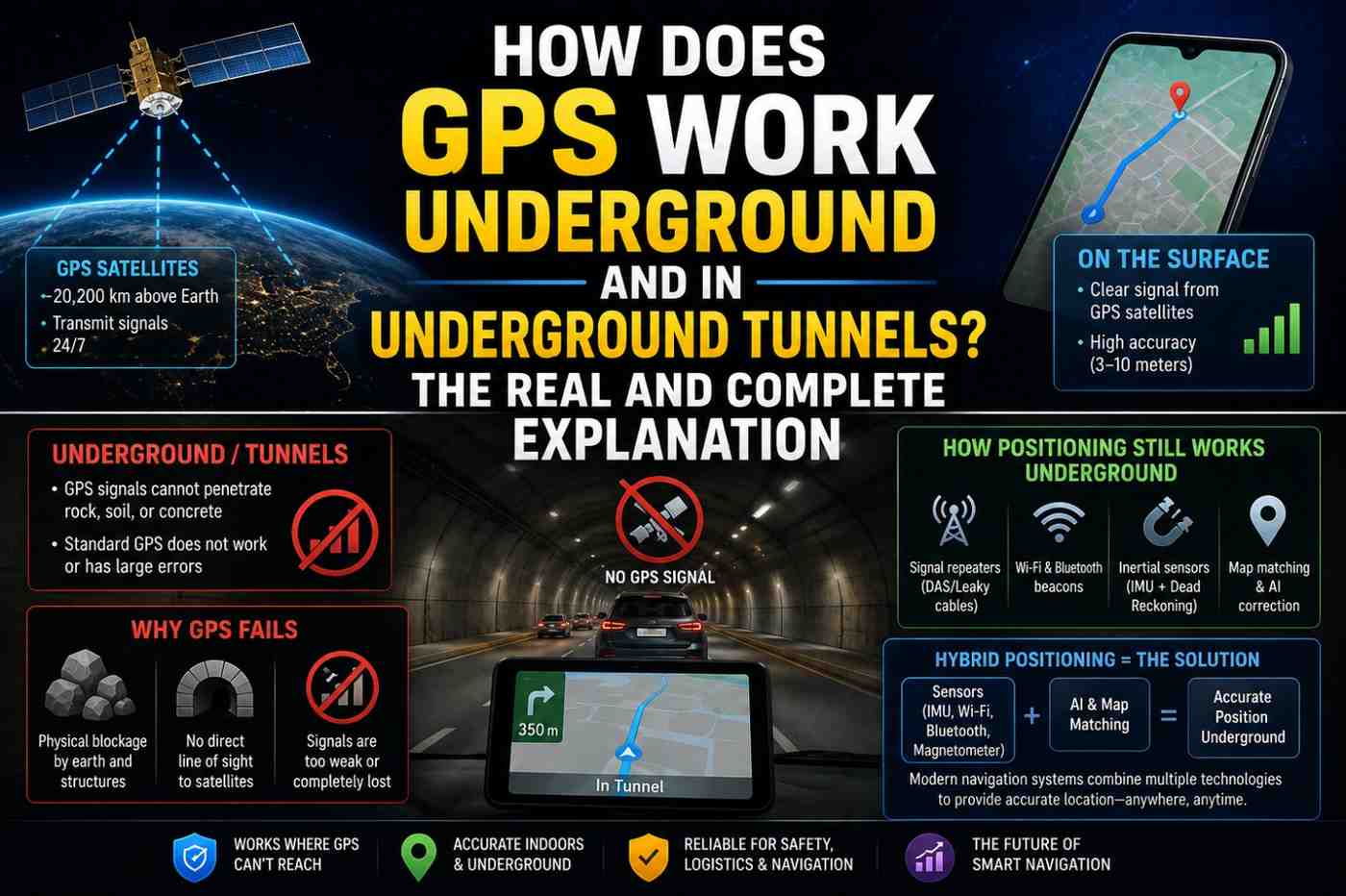
Dead reckoning is why navigation does not freeze during brief GPS outages in tunnels or under bridges. The phone continues plotting your path using inertial sensors until GPS reconnects.
Dead reckoning accumulates errors over time — typically 1–2% of distance traveled. This means after driving 10 km without GPS, dead reckoning may be 100–200 meters off. GPS reacquisition corrects this drift as soon as satellites are visible again.
Best Offline Navigation Apps in 2026
Several navigation apps are specifically designed for excellent offline performance:
| App | Offline Maps | Free? | Best For |
|---|---|---|---|
| Google Maps | Yes (downloadable) | Free | General use, worldwide |
| HERE WeGo | Yes (full country downloads) | Free | International travel |
| Maps.me | Yes (OpenStreetMap based) | Free | Hiking and remote areas |
| OsmAnd | Yes (detailed offline) | Free/Pro | Cyclists, hikers, advanced users |
| Sygic | Yes (premium) | Paid | Full-featured offline car navigation |
| Gaia GPS | Yes (topo maps) | Subscription | Wilderness navigation |
For international travel, downloading offline maps before departure eliminates expensive roaming data costs and ensures navigation works in countries with poor cellular coverage.
Offline GPS for Hiking and Wilderness Navigation
For outdoor adventures in areas far from cellular coverage, offline GPS navigation is not optional — it is essential safety equipment.
Best practices for wilderness offline GPS navigation:
- Download topographic maps — apps like Gaia GPS and OsmAnd offer detailed topo maps
- Download the entire route area — not just the trail, but a wide surrounding area
- Bring a backup battery — GPS chips use minimal power, but screen-on navigation drains batteries quickly
- Enable battery saver mode — reduces screen brightness and limits background apps
- Screenshot key route information — save screenshots of critical map sections even if the app loses data
A dedicated GPS device (Garmin, Suunto) remains the gold standard for wilderness navigation due to battery life (weeks vs. hours) and physical durability.
International Travel: GPS Without Roaming
One of the most valuable applications of offline GPS is international travel. When you arrive in a new country:
- Cellular data roaming can be extremely expensive
- Local SIM purchase takes time
- Hotel/airport Wi-Fi is unreliable
By downloading offline maps for your destination before departure, you can navigate the entire trip using GPS positioning (completely free) and pre-downloaded maps — with zero cellular data needed for navigation.
FAQs: How Does GPS Work Without Internet
Q1: How does GPS work without internet on a phone? GPS satellites broadcast radio signals that your phone receives without any internet connection. The positioning calculation is entirely local on your phone. Internet is only needed for map data and speed assistance.
Q2: Can Google Maps navigate offline? Yes, if you have downloaded offline maps for the area in advance. Turn-by-turn navigation works fully offline on downloaded map areas.
Q3: Does GPS work in airplane mode? Yes. GPS is a receive-only radio signal unaffected by airplane mode. Your phone’s GPS chip continues functioning when all cellular and Wi-Fi radios are disabled.
Q4: How much storage do offline maps require? Offline map storage varies significantly by region. A typical city might need 100–300 MB. A full country like the USA requires several gigabytes in most apps.
Q5: Does GPS drain battery faster offline? The GPS chip itself uses the same minimal power regardless of internet connection. However, without A-GPS assistance, satellite acquisition takes longer which requires more processing time initially.
Q6: What is the best offline navigation app for remote areas? Gaia GPS, OsmAnd, and Maps.me are widely regarded as the best options for remote and wilderness navigation due to their detailed offline topographic map support.
Conclusion
Understanding how does GPS work without internet reveals an empowering truth: your ability to know where you are on Earth is never held hostage to your data connection. GPS is fundamentally a free, autonomous technology. The internet enhances the experience — with faster acquisition, live traffic, and cloud maps — but it is never essential for basic navigation. Prepare for your next offline adventure by downloading your destination maps now at Google Maps offline guide and explore dedicated offline navigation at OsmAnd