Introduction
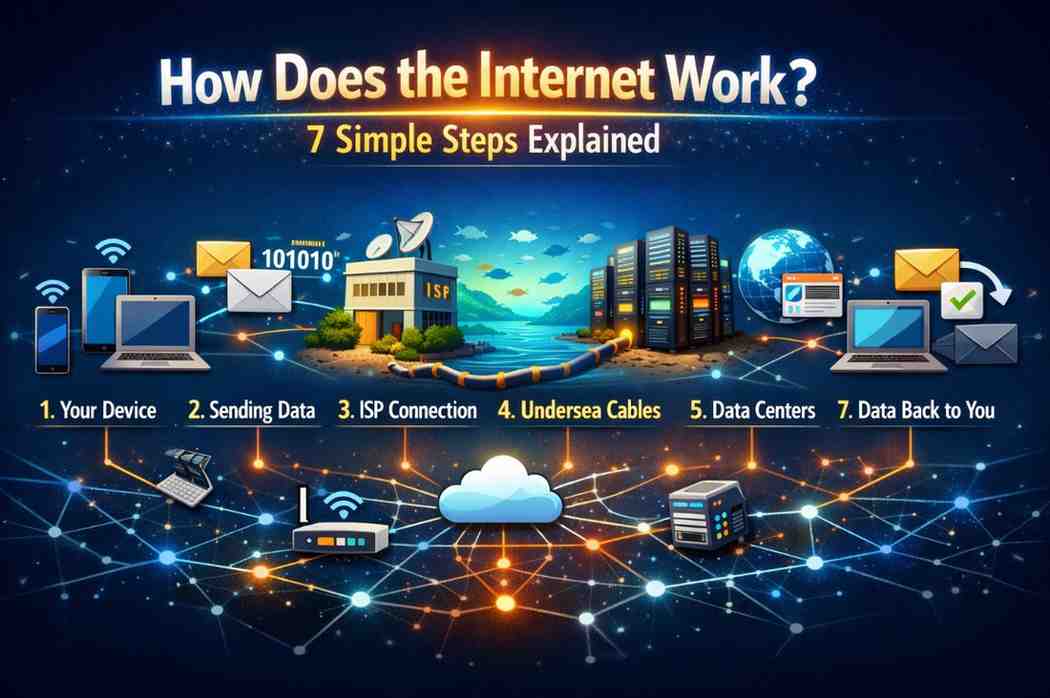
Ever wondered how does the internet work when you click a link or send a message? Most people use the internet every day, but few understand the incredible journey data takes in milliseconds.
This article breaks down the complex process into 7 simple steps that anyone can understand. You’ll learn what happens behind the scenes when you browse websites, stream videos, or send emails—without needing a computer science degree.
What Is the Internet? The Basics
The internet is a global network of interconnected computers and servers. Think of it as a massive highway system where information travels at incredible speeds.
Unlike a single network, the internet connects millions of private, public, academic, and government networks. These networks communicate using standardized protocols—essentially, a common language that all devices understand.
Key Components:
- Servers: Computers that store and send information
- Clients: Your devices that request information
- Routers: Traffic directors that guide data
- Cables: Physical infrastructure (fiber optics, copper wires)
- Protocols: Rules that govern communication (TCP/IP, HTTP, HTTPS)
Step 1: You Type a Web Address
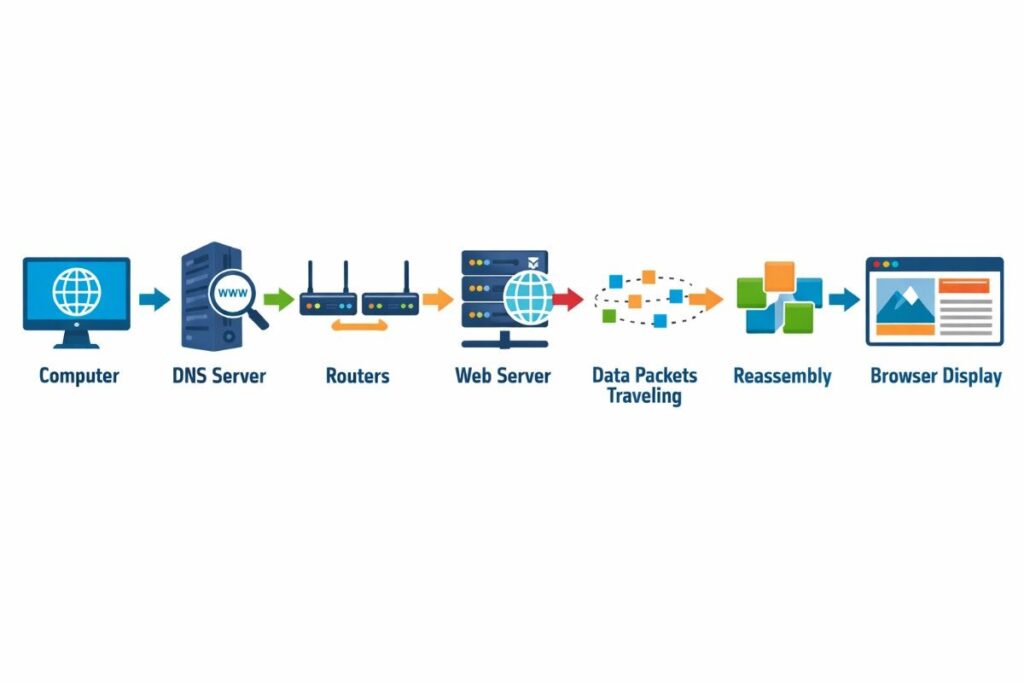
When you type “www.example.com” into your browser, you initiate a request. This web address is called a URL (Uniform Resource Locator).
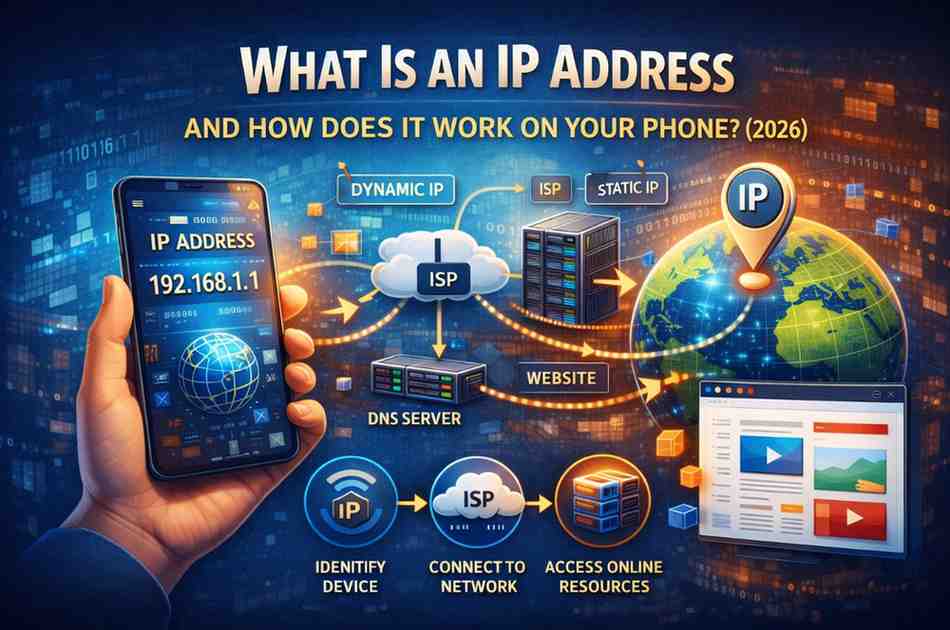
Your device doesn’t actually understand human-readable addresses. It needs a numerical IP address to locate the server hosting that website.
This is where the magic begins.
What Happens:
- Browser checks its cache for the website
- If not cached, it prepares to send a request
- Your device connects to your Internet Service Provider (ISP)
Step 2: DNS Translates the Address
DNS (Domain Name System) acts like the internet’s phone book. It converts the website name into an IP address that computers can use.
The DNS Lookup Process:
- Your browser asks the DNS resolver (usually your ISP’s server)
- If the resolver doesn’t know, it asks root name servers
- Root servers direct it to TLD (Top-Level Domain) servers (.com, .org, etc.)
- TLD servers point to authoritative name servers
- The authoritative server provides the exact IP address
This entire process happens in milliseconds.
Example:
- You type: www.google.com
- DNS returns: 142.250.180.46
- Your browser now knows where to send the request
Step 3: Your Request Travels Through Routers
Once your device has the IP address, it sends a request through multiple routers. These are specialized computers that direct traffic across the internet.
The Journey:
- Request leaves your device → travels to your home router
- Home router → ISP’s local network
- ISP network → larger backbone networks
- Multiple routers decide the fastest path
- Request reaches the destination server
Each router examines the destination address and forwards the data to the next router closer to the target. This process is called routing.
Fun Fact: Your data might pass through 10-15 routers before reaching its destination, crossing countries or even continents in under a second.
Step 4: Data Breaks Into Packets
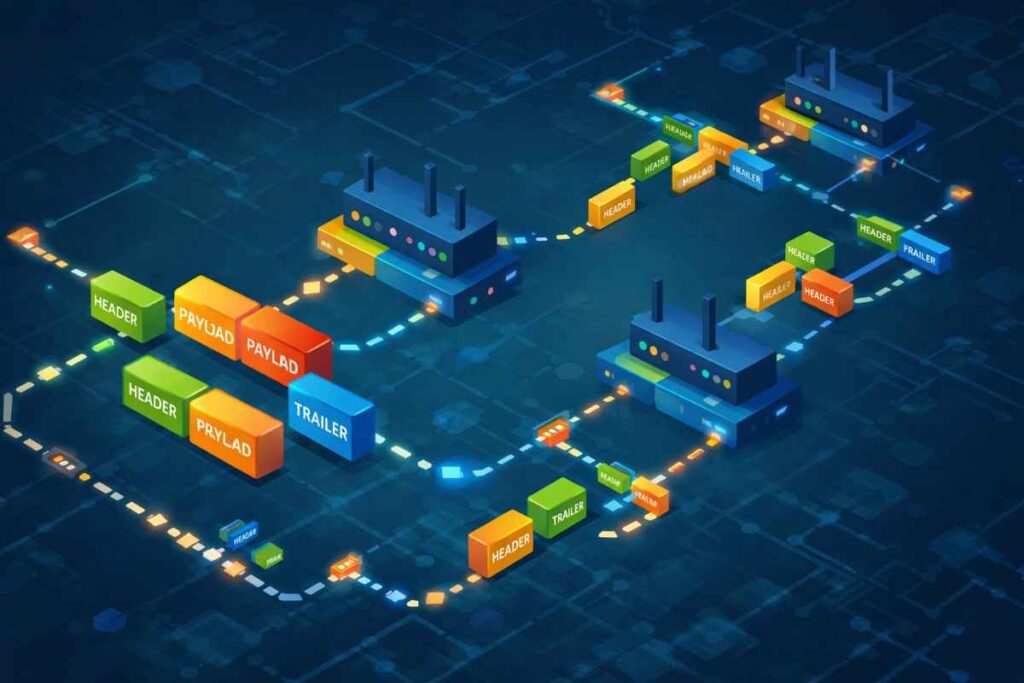
Here’s where how does the internet work gets interesting. Your request doesn’t travel as one big chunk of data. Instead, it breaks into small pieces called packets.
Why Packets?
- More efficient transmission
- Better error handling
- Multiple paths can be used simultaneously
- Easier to resend if something fails
Each packet contains:
- Header: Destination address, source address, packet number
- Payload: The actual data
- Trailer: Error-checking information
Analogy: Imagine sending a 1,000-page book. Instead of mailing one huge package, you send 100 smaller envelopes. If one gets lost, you only resend that envelope, not everything.
Step 5: The Server Responds
When your request reaches the web server, it processes what you asked for. The server:
- Receives and validates your request
- Fetches the requested webpage files (HTML, CSS, JavaScript, images)
- Prepares the response
- Breaks the response into packets
- Sends packets back to your IP address
Server Types:
- Web servers: Deliver websites
- Email servers: Handle email communication
- File servers: Store and share files
- Database servers: Manage data storage
Modern websites often use multiple servers working together, called a Content Delivery Network (CDN), to deliver content faster.
Step 6: Packets Reassemble on Your Device
The return packets don’t necessarily take the same route. Some might travel through New York, others through London—whatever is fastest at that moment.
Reassembly Process:
- Packets arrive at your device in random order
- TCP (Transmission Control Protocol) ensures all packets arrived
- Missing packets are requested again
- Packets are arranged in correct sequence using their numbers
- Data is reconstructed into the original format
If packets are lost or corrupted, your device requests retransmission. This reliability is why TCP/IP is the backbone protocol of the internet.
Step 7: Your Browser Displays the Content
Finally, your browser receives the complete data and renders it as a webpage you can see and interact with.
The Rendering Process:
- HTML parsing: Browser reads the structure
- CSS application: Styling and layout are applied
- JavaScript execution: Interactive elements come to life
- Resource loading: Images, videos, fonts load
- Page display: Everything appears on your screen
This happens so fast you usually don’t notice. High-speed connections can load a complex website in under 2 seconds.
Browser Tasks:
- Interpret code
- Request additional resources
- Manage cookies and cache
- Handle security (HTTPS encryption)
- Execute scripts safely
Key Technologies That Make It Work
Understanding how does the internet work requires knowing these essential technologies:
TCP/IP Protocol Suite
The fundamental communication protocol. TCP ensures reliable delivery, while IP handles addressing and routing.
HTTP/HTTPS
HyperText Transfer Protocol defines how messages are formatted and transmitted. HTTPS adds encryption for security.
Fiber Optic Cables
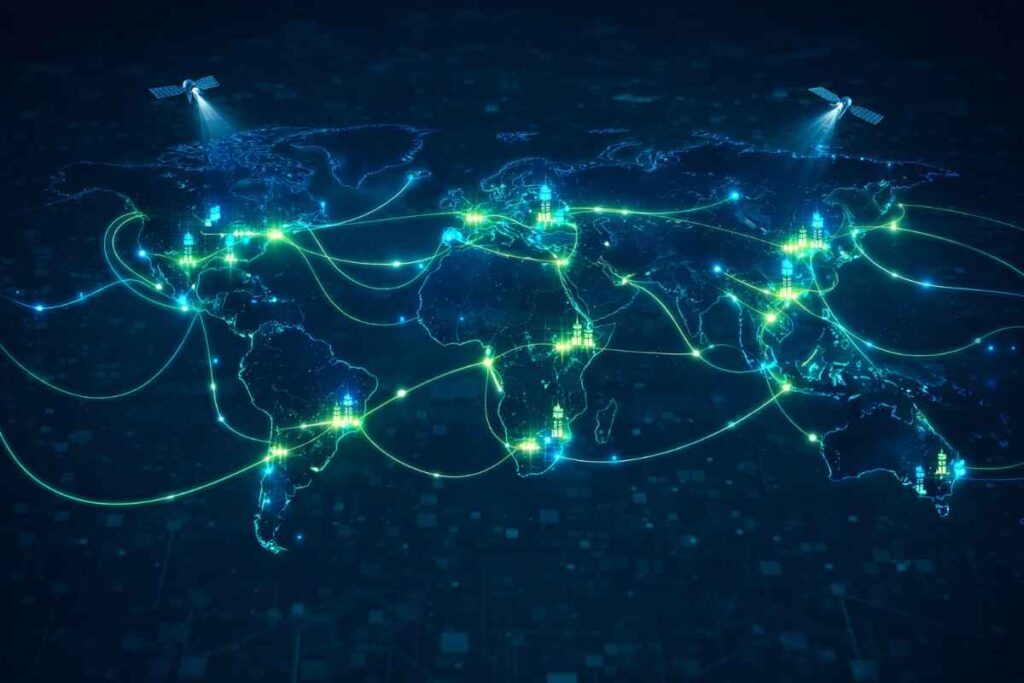
Undersea and underground cables carry 99% of international internet traffic. Light pulses transmit data at nearly the speed of light.
ISPs (Internet Service Providers)
Companies like Comcast, AT&T, or Vodafone connect your home to the larger internet infrastructure.
IP Addresses
Unique identifiers for every device. IPv4 uses 32-bit addresses (running out), while IPv6 uses 128-bit addresses (future-proof).
Network Protocols
- FTP: File transfer
- SMTP: Email sending
- POP3/IMAP: Email receiving
- WebRTC: Real-time communication (video calls)
Common Misconceptions About the Internet
Myth 1: The internet is wireless Reality: Most internet infrastructure relies on physical cables. Wireless is only the “last mile” to your device.
Myth 2: The cloud is somewhere in the sky Reality: “The cloud” is just someone else’s physical servers in data centers.
Myth 3: Deleting something removes it forever Reality: Data packets might exist in multiple caches and backups.
Myth 4: The internet is one big network Reality: It’s millions of networks interconnected through standardized protocols.
Myth 5: Your data takes the same path every time Reality: Routes change based on traffic, failures, and efficiency.
Expert Tips for Better Internet Understanding
For Everyday Users:
- Use HTTPS websites for security
- Understand that cookies track your browsing
- Clear cache periodically for better performance
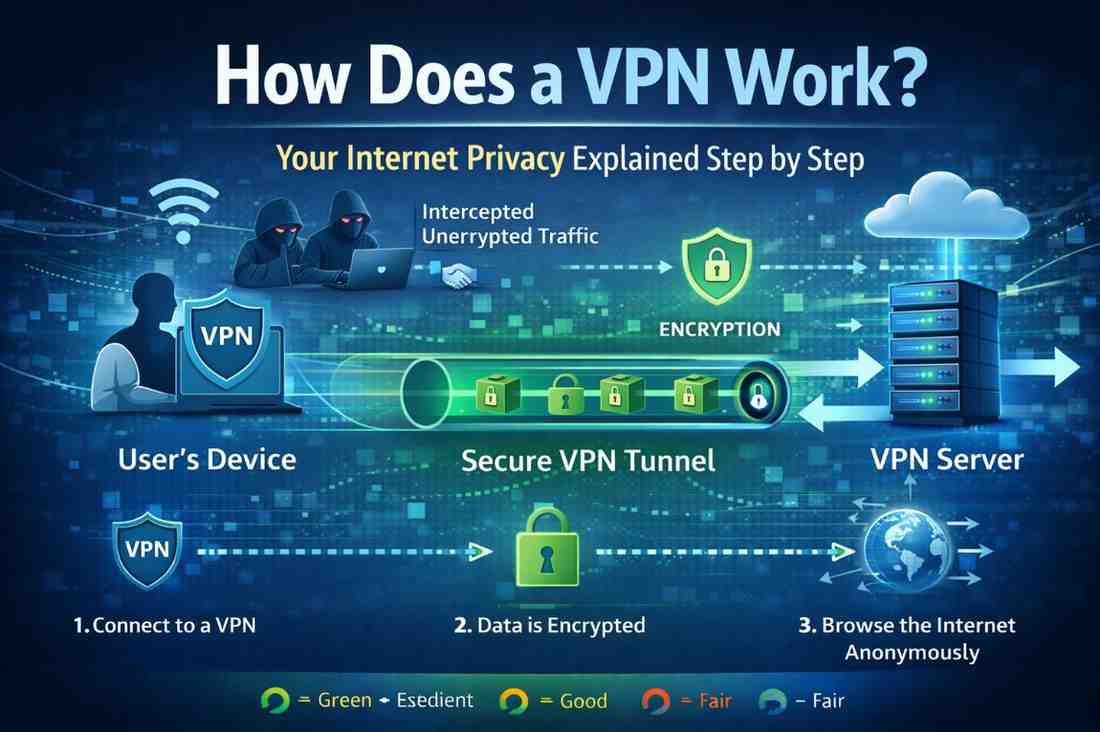
- Use VPNs to encrypt your internet traffic
For Tech Enthusiasts:
- Learn basic networking commands (ping, traceroute)
- Understand the difference between bandwidth and latency
- Explore how CDNs improve website speed
- Study the OSI model for deeper knowledge
For Parents:
- Teach children about internet privacy
- Explain how websites track information
- Set up parental controls at router level
- Discuss digital footprints and permanence
About Me
Hello, I am Rajesh Ram, a passionate tech blogger and the voice behind “Technology Explained,” where complex digital concepts are simplified for everyday readers. With a strong interest in emerging technologies, internet infrastructure, and digital trends, he focuses on breaking down complicated topics into clear, easy-to-understand insights.
Through my articles, I help readers stay informed about how technology works in the real world — from the basics to advanced innovations shaping the future. His goal is to make technology accessible, practical, and engaging for everyone.
When I am not writing, I enjoy exploring the latest tech updates, learning new digital skills, and sharing valuable knowledge with my audience.
Frequently Asked Questions
Q1: How fast does data travel on the internet?
Data travels at approximately 70% the speed of light through fiber optic cables—about 200,000 kilometers per second. However, the actual speed you experience depends on bandwidth, congestion, and distance.
Q2: What happens if a cable under the ocean breaks?
Redundancy is built into the system. Multiple cables connect the same destinations. If one breaks, traffic automatically reroutes through alternative cables. Specialized ships repair broken cables.
Q3: Can the internet ever run out of addresses?
IPv4 addresses are nearly exhausted, but IPv6 provides 340 undecillion addresses—enough for every atom on Earth to have multiple addresses. The transition to IPv6 is ongoing.
Q4: How does the internet work without a central control?
The internet is decentralized by design. Organizations like ICANN manage domain names, and protocols are maintained by standards bodies, but no single entity controls the entire internet.
Q5: Why is my internet slower at night?
Network congestion occurs when many users in your area are online simultaneously, typically evenings. Your ISP’s local infrastructure may reach capacity during peak hours.
Conclusion
Understanding how does the internet work reveals the remarkable engineering behind our daily digital experiences. From DNS lookups to packet switching, each step happens in milliseconds to deliver seamless connectivity.
Key Takeaways:
- The internet is a network of networks using standardized protocols
- Data travels as packets through multiple routers
- DNS translates human-readable addresses to IP addresses
- TCP/IP ensures reliable, ordered delivery
- Physical infrastructure (cables) carries most traffic
The next time you load a webpage, send an email, or stream a video, you’ll appreciate the complex choreography happening behind the scenes.
Take Action: Want to see the internet in action? Open your command prompt and type “traceroute google.com” (or “tracert” on Windows) to watch your data’s journey in real-time.