Primary Keyword: HTTP vs HTTPS difference
Related Keywords: HTTPS security, SSL certificate, website encryption, secure browsing, HTTP protocol, TLS encryption, SEO ranking factors
Introduction
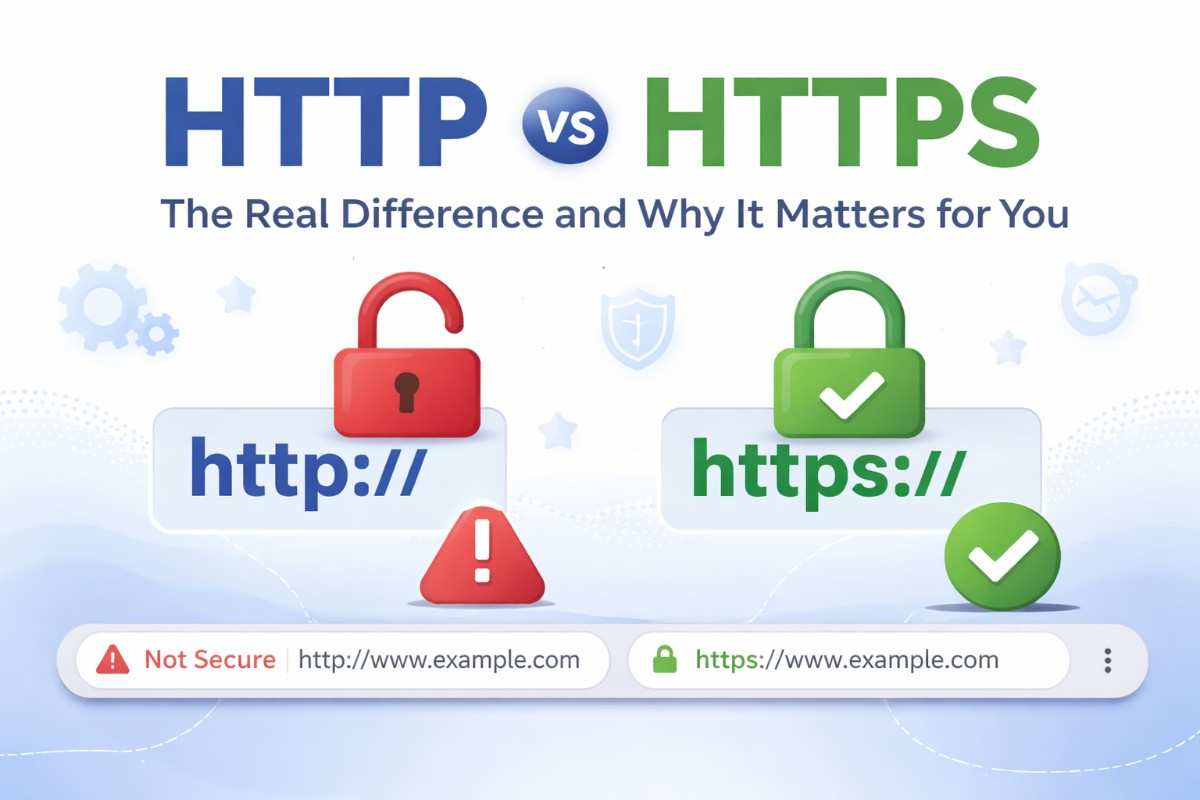
Have you ever noticed that some website addresses start with http:// while others begin with https://? That small “s” makes a massive difference — especially when you’re entering passwords, credit card numbers, or personal details online.
Understanding the HTTP vs HTTPS difference is not just for developers or tech experts. It affects every person who browses the internet — and every business that runs a website.
In this article, you’ll learn what HTTP and HTTPS actually are, how they differ, why HTTPS is now the standard, and what happens if a website skips it. We’ll also cover how this impacts your SEO rankings and what you should do right now.
What Is HTTP?
HTTP stands for HyperText Transfer Protocol. It is the foundation of how data is exchanged on the web. When you type a website address and press Enter, your browser sends an HTTP request to the web server, and the server responds with the webpage data.
Think of HTTP as a postal system. Your browser writes a letter (the request), sends it to the server (the post office), and gets a response back. The problem? Anyone standing along that postal route can read your letter.
This is the core weakness of HTTP — all data transferred is sent in plain text, making it easy for hackers to intercept sensitive information.
What Is HTTPS?
HTTPS stands for HyperText Transfer Protocol Secure. It does everything HTTP does, but with one critical addition: encryption.
HTTPS uses SSL (Secure Sockets Layer) or its modern successor TLS (Transport Layer Security) to encrypt the data exchanged between your browser and the server. Even if someone intercepts the data, they cannot read it — it looks like random gibberish.
Going back to the postal analogy: HTTPS puts your letter in an unbreakable safe that only the intended recipient can open.
HTTP vs HTTPS Difference: A Side-by-Side Comparison
| Feature | HTTP | HTTPS |
| Full Form | HyperText Transfer Protocol | HyperText Transfer Protocol Secure |
| Encryption | None — plain text | SSL/TLS encrypted |
| Security | Vulnerable to attacks | Protected from eavesdropping |
| Port | Port 80 | Port 443 |
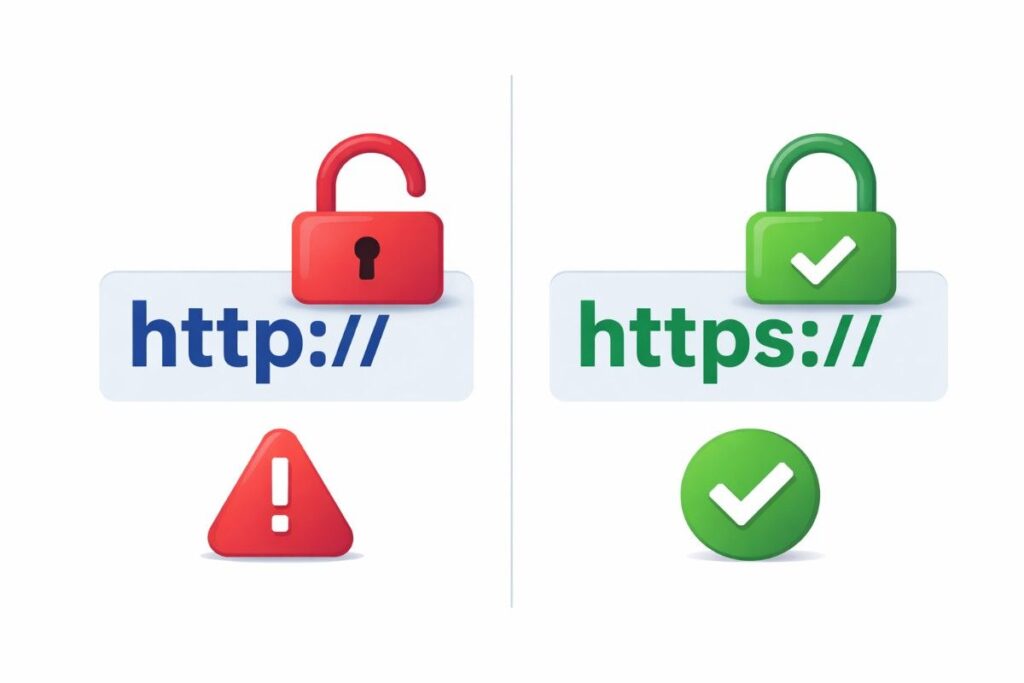
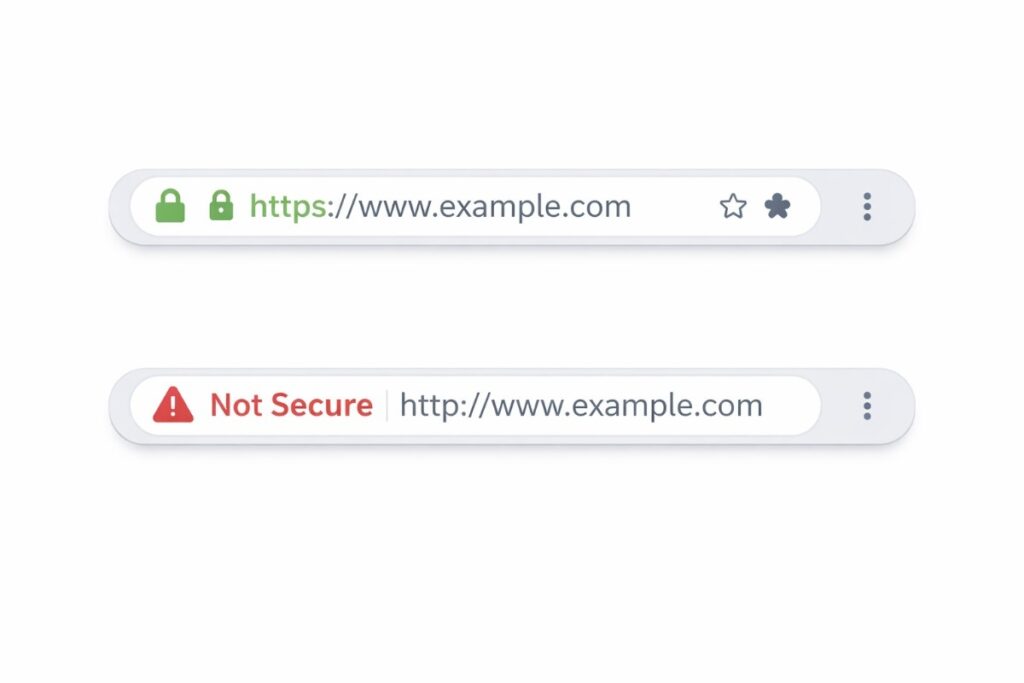
| Browser Indicator | No padlock icon | Padlock icon shown |
| SEO Ranking | No ranking benefit | Google ranking signal |
| Trust Level | Low user trust | High user trust |
| Use Case | Public, non-sensitive content | All modern websites |
How Does HTTPS Encryption Actually Work?
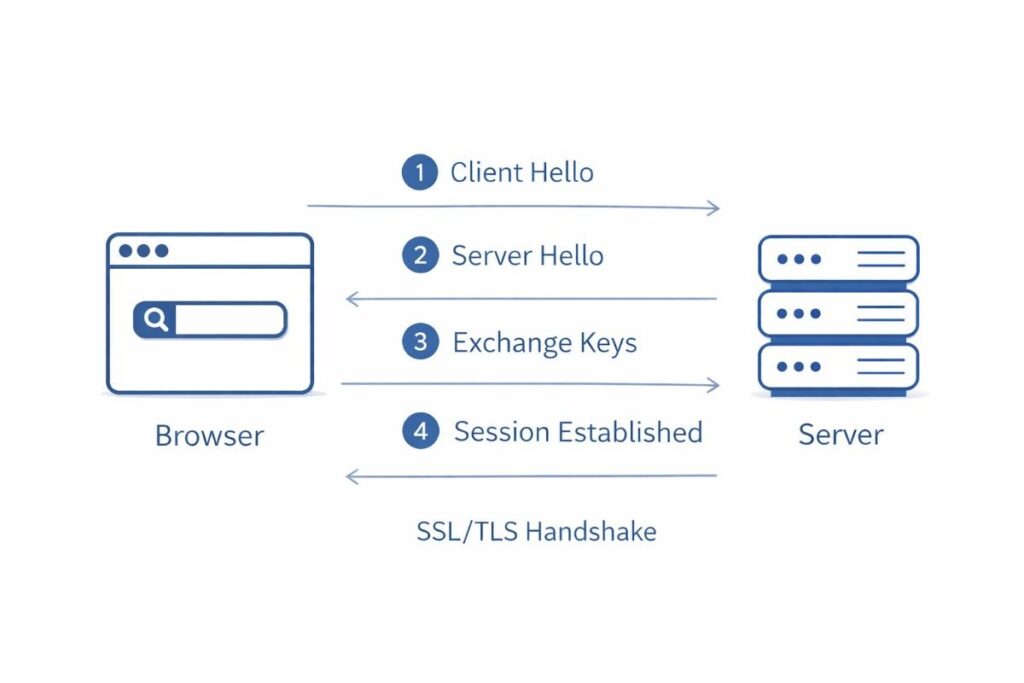
Here is a simplified breakdown of how HTTPS secures your connection:
- Your browser connects to a website and requests its SSL/TLS certificate.
- The server sends back its certificate, which contains its public key.
- Your browser verifies the certificate with a trusted Certificate Authority (CA).
- Both the browser and server agree on an encryption method (called a handshake).
- All data is now exchanged in encrypted form — completely unreadable to outsiders.
This entire process happens in milliseconds. You don’t feel it, but your data is fully protected every single time.
Why the HTTP vs HTTPS Difference Matters for SEO
Google officially confirmed HTTPS as a ranking signal in 2014. This means websites with HTTPS can rank higher in search results compared to HTTP sites, all other factors being equal.
But SEO is not the only reason to care. Here is why HTTPS matters for your overall digital presence:
- Google Chrome marks HTTP sites as “Not Secure” in the address bar, which drives users away.
- Bounce rates increase on HTTP sites because visitors leave the moment they see the security warning.
- Google Analytics and other tracking tools do not pass referral data over HTTP connections properly.
- HTTPS is required for modern web features like Service Workers, Progressive Web Apps (PWAs), and geolocation.
Pros and Cons of HTTP and HTTPS
HTTP — Pros and Cons
- Simple to set up with no certificate required.
- Slightly faster in theory (no encryption overhead).
- No cost for certificates.
Cons of HTTP:
- Data is transmitted in plain text — fully readable by attackers.
- Browsers flag HTTP pages as “Not Secure.”
- Hurts SEO rankings.
- No user trust — especially critical for e-commerce or login pages.
HTTPS — Pros and Cons
- Encrypts all data between browser and server.
- Builds user trust with the padlock icon.
- Boosts SEO rankings.
- Required for accepting payments and sensitive forms.
Cons of HTTPS:
- Requires purchasing and renewing an SSL certificate (though free options like Let’s Encrypt exist).
- Minor setup complexity for beginners.
Expert Tips: How to Switch From HTTP to HTTPS
- Get an SSL/TLS certificate — use Let’s Encrypt (free), or buy one from your hosting provider.
- Install the certificate on your web server or enable it via your hosting control panel.
- Update all internal links to use HTTPS instead of HTTP.
- Set up 301 redirects from HTTP to HTTPS so existing links and bookmarks still work.
- Update your sitemap and submit it to Google Search Console.
- Test your site with tools like SSL Labs (ssllabs.com/ssltest/) to ensure proper configuration.
Latest Trends and Data You Should Know
The shift to HTTPS is no longer optional — it’s the standard. Here are some important data points:
- Over 95% of pages loaded in Chrome on desktop are served over HTTPS (Google Transparency Report, 2024).
- Let’s Encrypt has issued over 4 billion certificates, making HTTPS accessible to everyone for free.
- Google’s Core Web Vitals, which affect rankings, are better tested and monitored on HTTPS sites.
- Mobile browsers (Chrome, Safari, Firefox) now show strong warnings on HTTP pages.
Frequently Asked Questions (FAQ)
1. Is HTTPS really necessary for a simple blog?
Yes. Even if your blog doesn’t collect personal data, Google marks HTTP pages as “Not Secure,” which harms user trust and SEO rankings. Free SSL certificates via Let’s Encrypt make switching easy and cost-free.
2. Does HTTPS slow down my website?
Modern HTTPS with HTTP/2 or HTTP/3 is actually faster than old HTTP. The encryption overhead is negligible on current hardware, and the security and SEO benefits far outweigh any imperceptible speed difference.
3. What is the main HTTP vs HTTPS difference in simple terms?
HTTP transfers data in plain text, while HTTPS encrypts it. Think of HTTP as sending a postcard anyone can read, and HTTPS as putting that postcard inside a sealed, unbreakable safe.
4. Can I get a free SSL certificate?
Absolutely. Let’s Encrypt is a free, automated, and open Certificate Authority. Most web hosting providers (Bluehost, SiteGround, Hostinger, etc.) now include free SSL with hosting plans and activate it with one click.
5. Will switching to HTTPS affect my current Google rankings?
There may be a brief transition period. Proper setup with 301 redirects preserves your existing rankings and link equity. In the medium to long term, HTTPS is a positive ranking signal, so the switch improves your SEO performance.
Conclusion: Why You Should Act Now
The HTTP vs HTTPS difference comes down to one fundamental question: Do you want your users’ data to be protected or exposed?
HTTPS is no longer a “nice to have” feature — it is a baseline expectation. Google mandates it. Browsers flag its absence. Users trust it. And the SEO benefit is a genuine bonus on top of all that.
Here’s your action plan in three steps:
- Check your website — type your URL and see if it starts with http:// or https://.
- Get a free SSL certificate from Let’s Encrypt or your hosting provider.
- Set up 301 redirects from HTTP to HTTPS and update your sitemap.
Call to Action: Switch your website to HTTPS today — it’s free, fast, and essential. Your visitors, your rankings, and your business will all benefit.